 LOGBOOK
LOGBOOK
LOGBOOK

For captains and fleet managers, a logbook is more than a record: it is an operational tool. LOGBOOK automatically captures relevant data, keeps every voyage in view, and provides a reliable basis for reports, efficient processes, and clear responsibilities.
Key navigation data is captured directly from the vessel's systems and documented without manual rework, gaps, or distraction from operational duties.
Review voyages, passages, routes, time periods, and key events at a glance. Keep each voyage transparent, documented, and easy to trace.
LOGBOOK combines reliable data capture with professional vessel operations for those who value safety, quality, and efficiency on board and across their fleet.
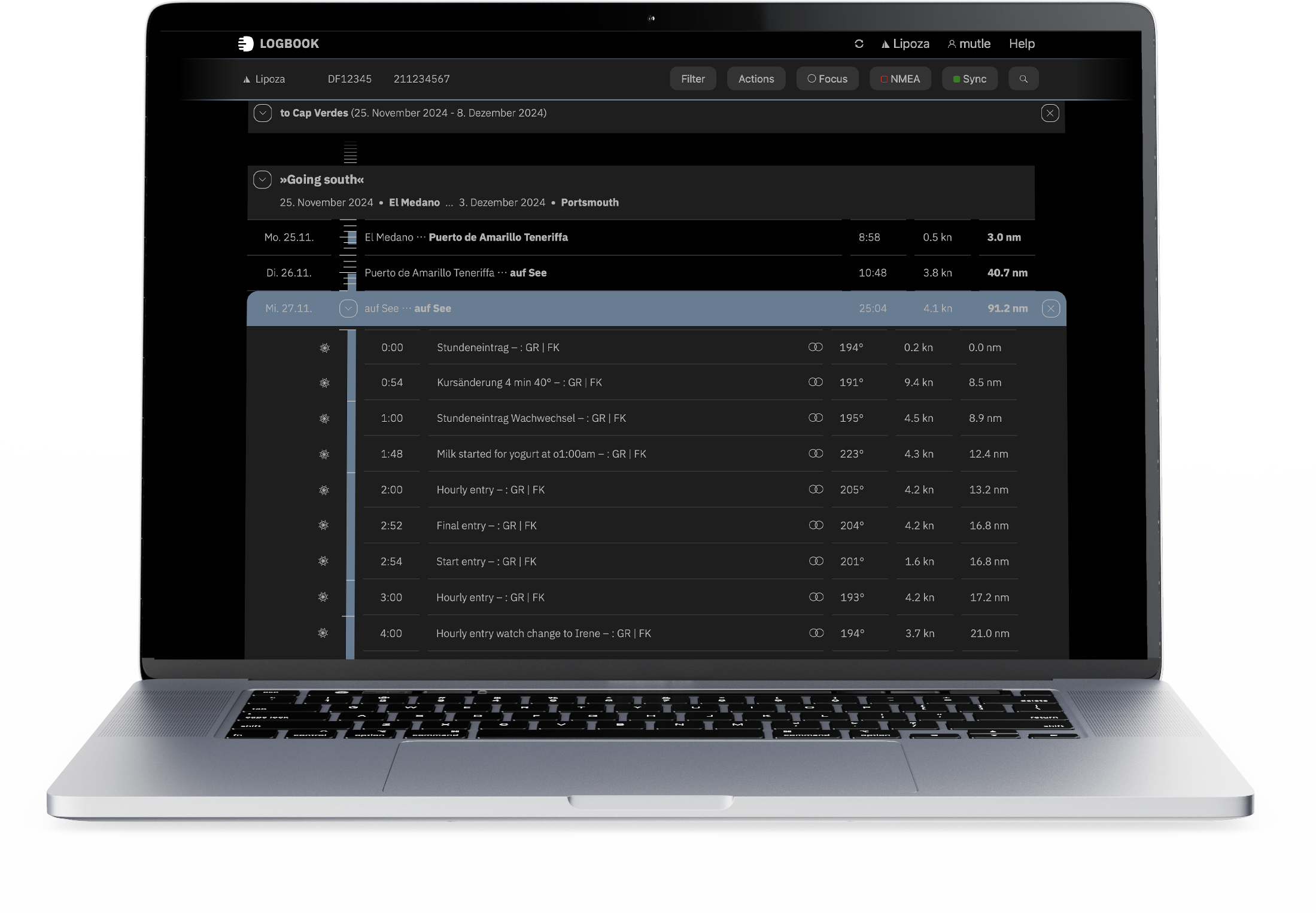
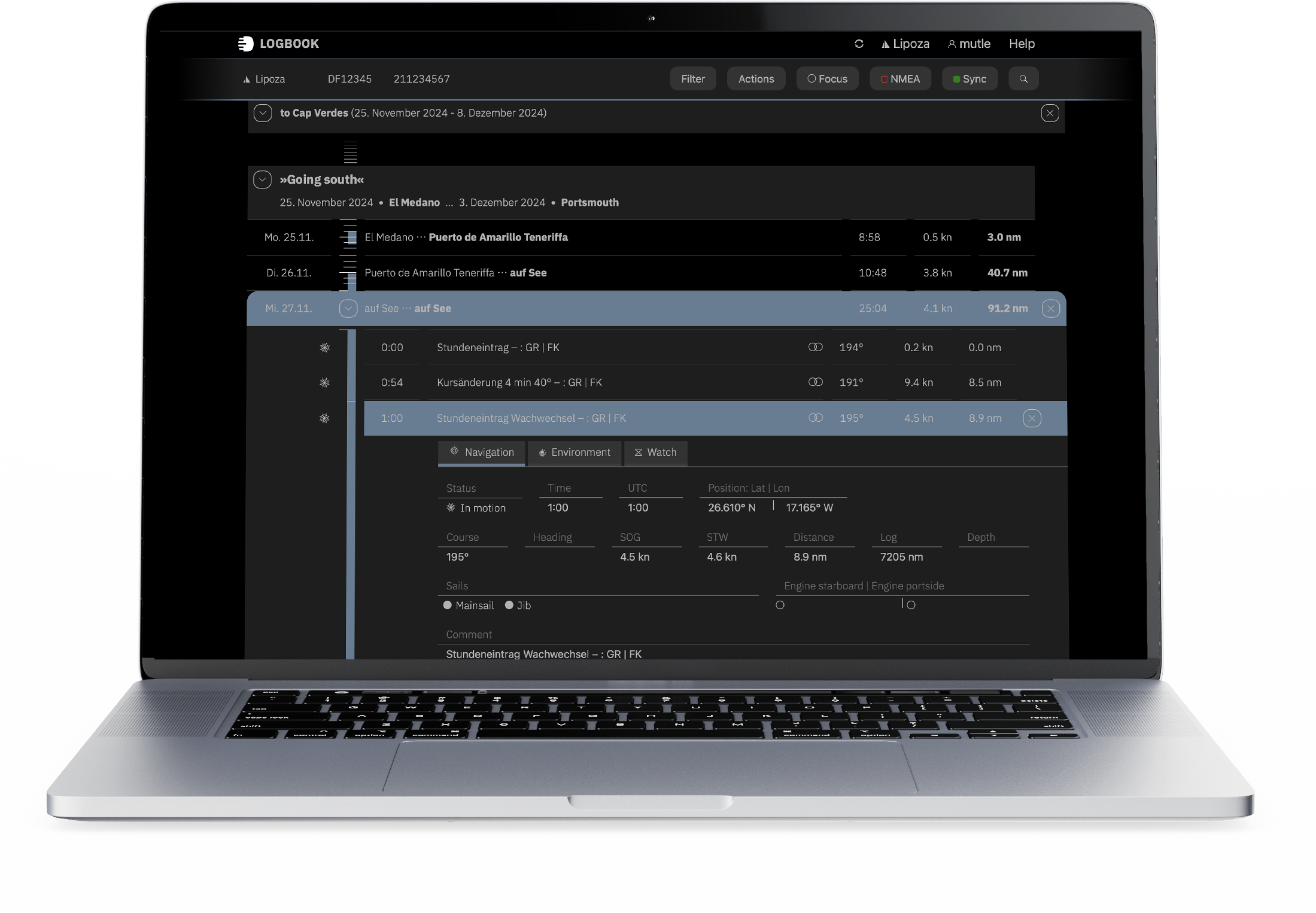
LOGBOOK documents voyages clearly and with accurate timestamps in a system designed for daily operations. It automatically captures relevant navigation data from the vessel's NMEA network and creates complete log entries without extra work in the cockpit.
Captains and responsible personnel can add important information, organize voyages, record incidents, and document work-related notes.
The result is a professionally reliable digital logbook that remains efficient to use in everyday operations.
 Quick to deploy
 Automated and dependable
 Flexible documentation
 Operational data and reports
 Clear operational overview
 For crews and fleets
 Quick setup, ready for operation
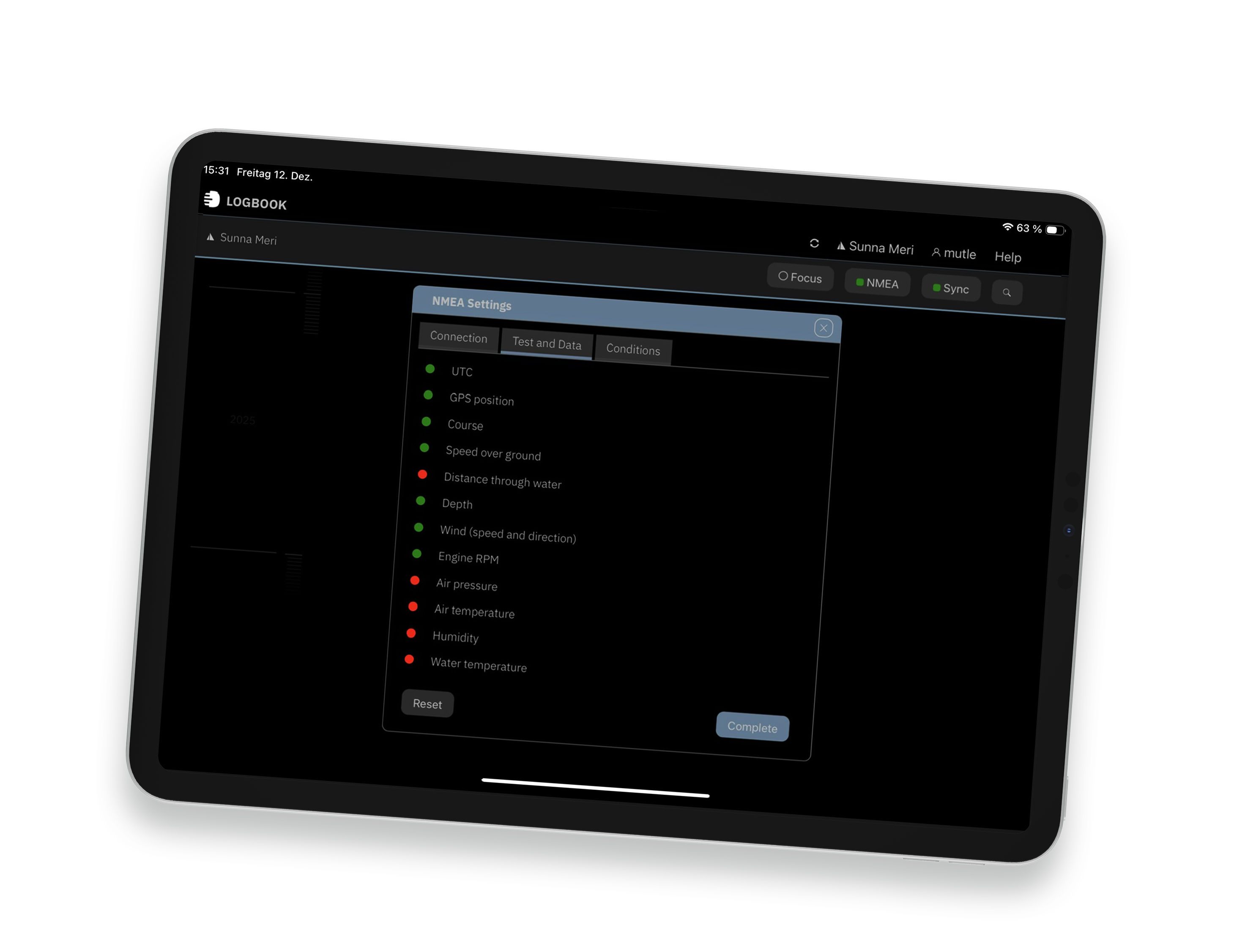
LOGBOOK quickly connects to the vessel's NMEA network or a suitable GPS receiver. Initial setup runs automatically and detects available data sources without requiring time-consuming manual configuration. Recording is ready to begin as soon as the app starts.
This keeps attention on handling the vessel and operational responsibilities, rather than on technical setup. For captains and fleet managers, that means less effort, fewer interruptions, and immediate readiness for operation.
 Capture automatically, document reliably
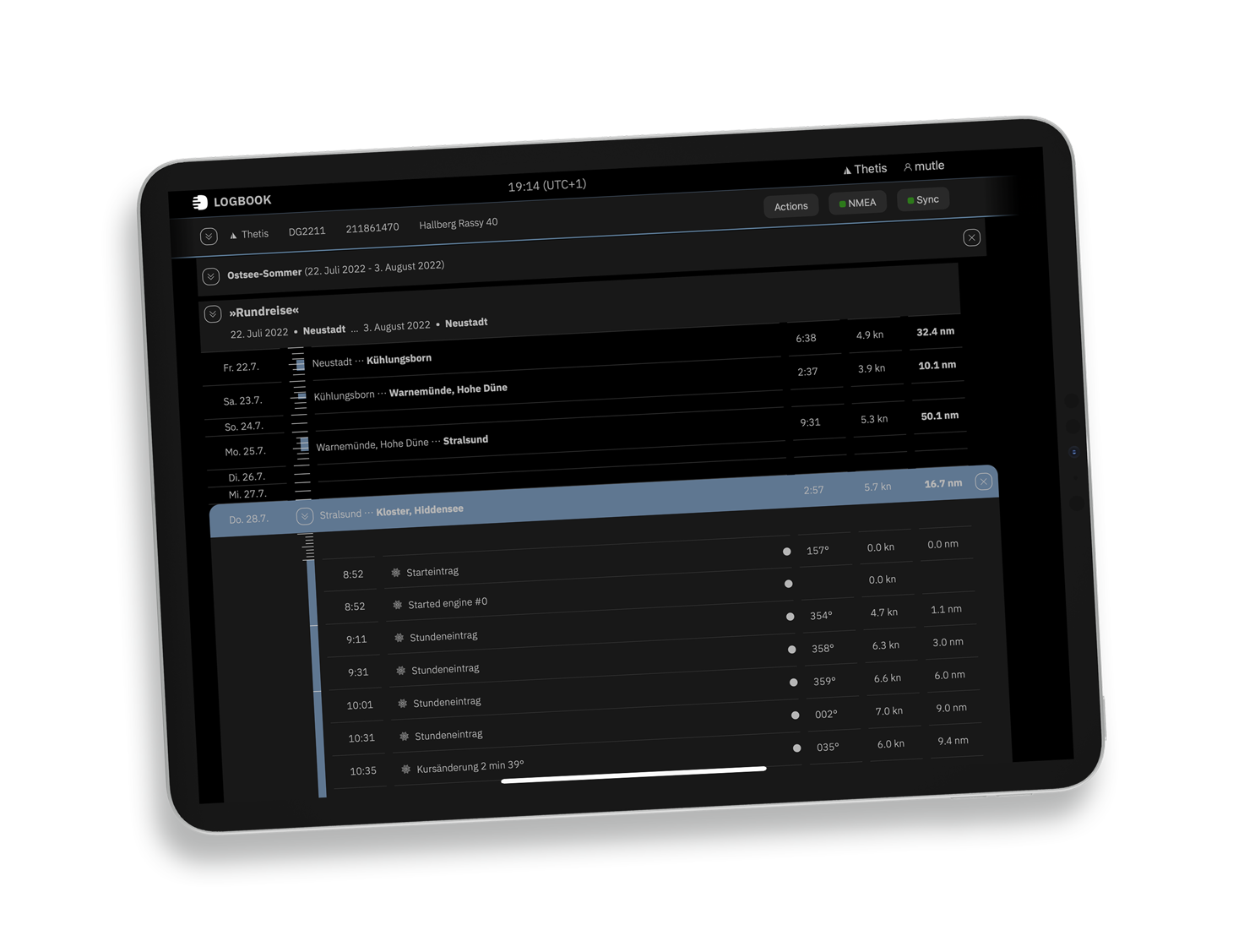
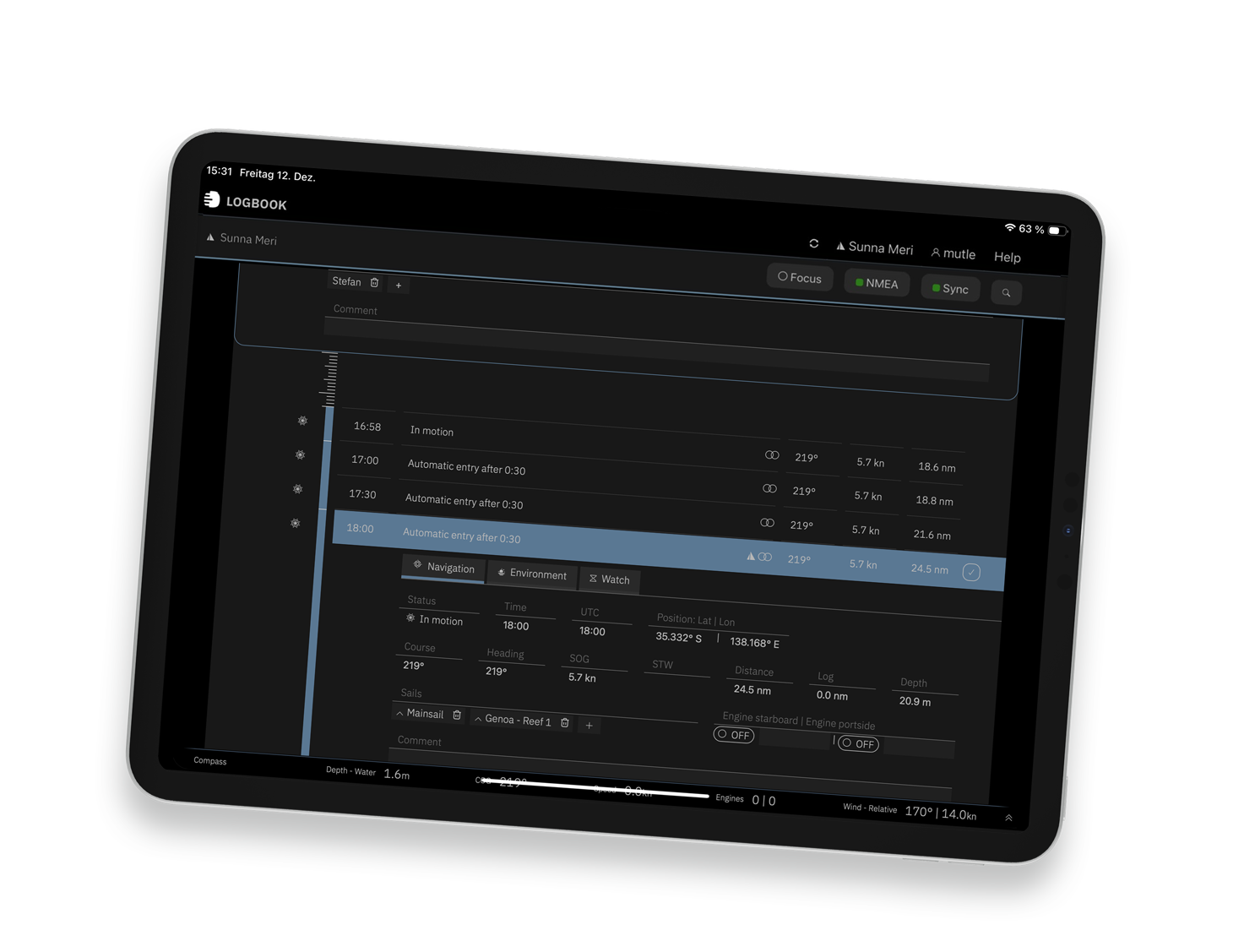
The app captures NMEA data in real time and automatically creates log entries at set intervals, when getting underway or stopping, and at defined events. This produces complete, consistent, traceable records without adding to the operational workload.
For vessel operations and crew development, this means less manual documentation, a lower risk of errors, and a reliable basis for internal reports, audit and inspection processes, and reviewing individual voyages.
 Automatic logging, with room for your own notes
Automatically captured entries provide the foundation, while the documentation remains flexible. Add weather observations, operational notes, technical information, vessel condition, crew information, and special events where they belong: to the relevant voyage or log entry.
This keeps the logbook not only clear and complete, but also useful for professional purposes. It serves as a daily operational record and a reliable source of information for later questions, reports, and analysis.
 Capture operational data, observations, and reports
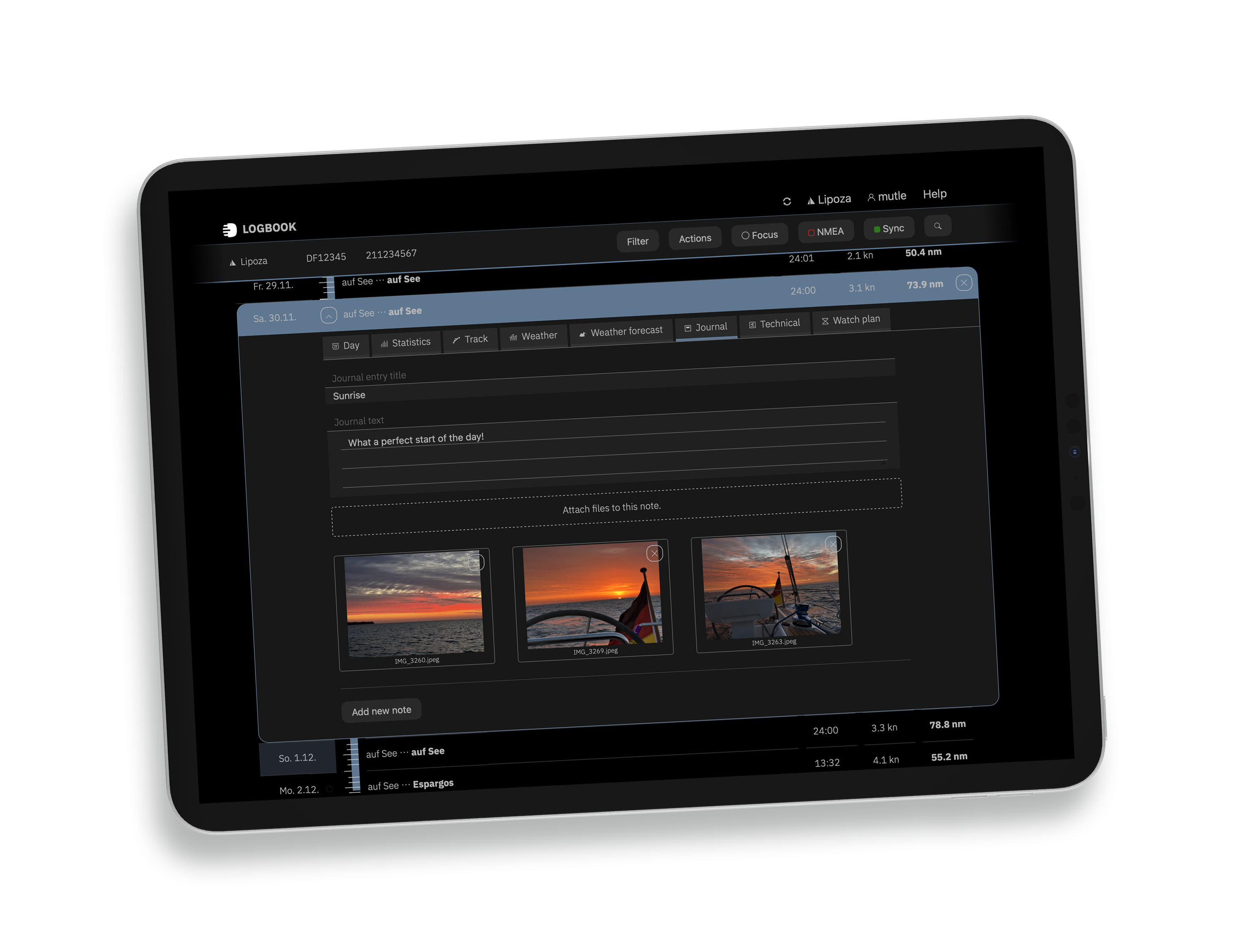
LOGBOOK is useful not only for formal records, but also for systematically capturing operational experience. Photos, observations, weather conditions, and technical notes can be linked directly to a voyage and found again later.
This creates a valuable knowledge base for crew, captains, and management – from lessons learned during operations to details needed for later assessments and decisions.
 A clear overview of all voyages and trips
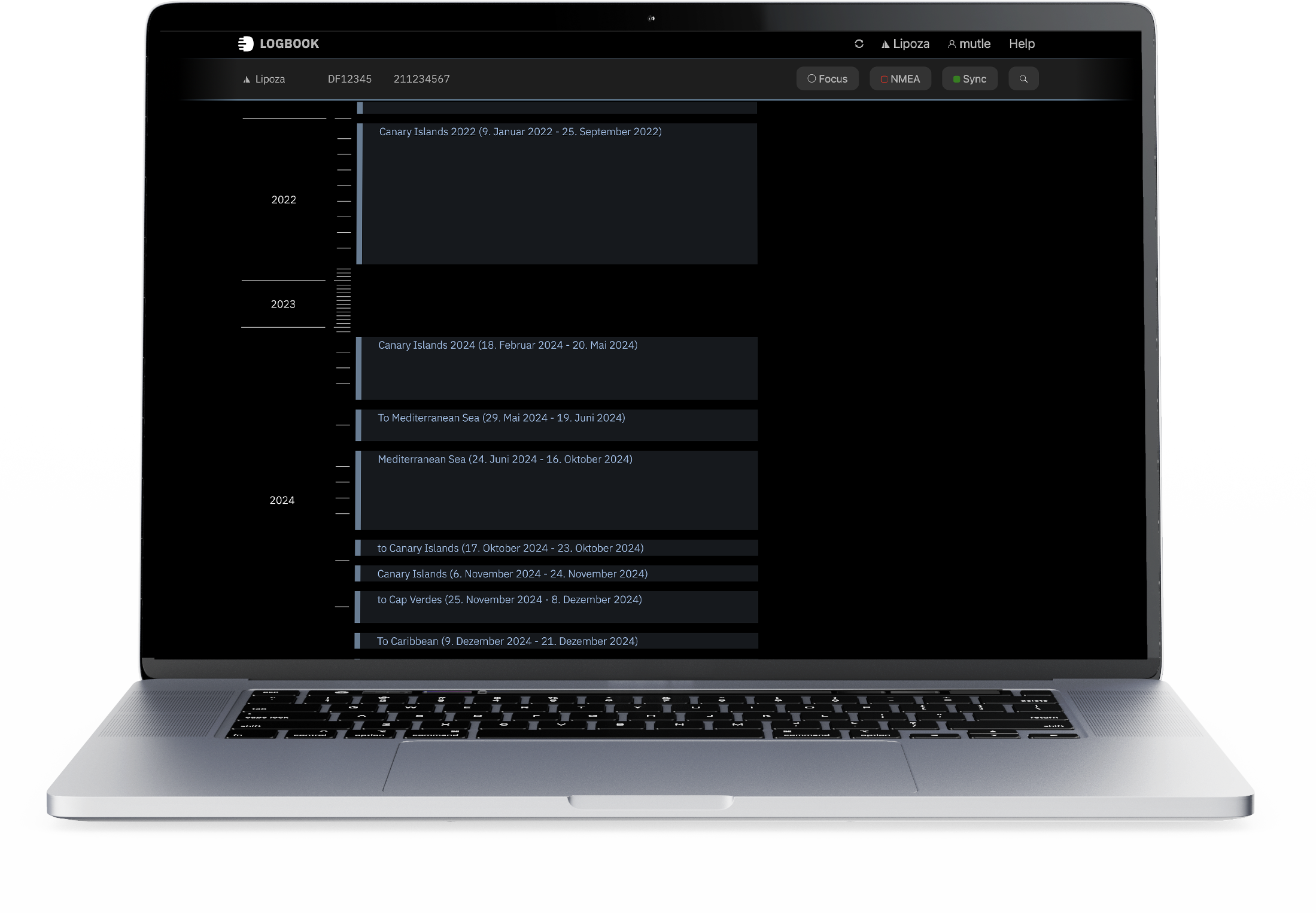
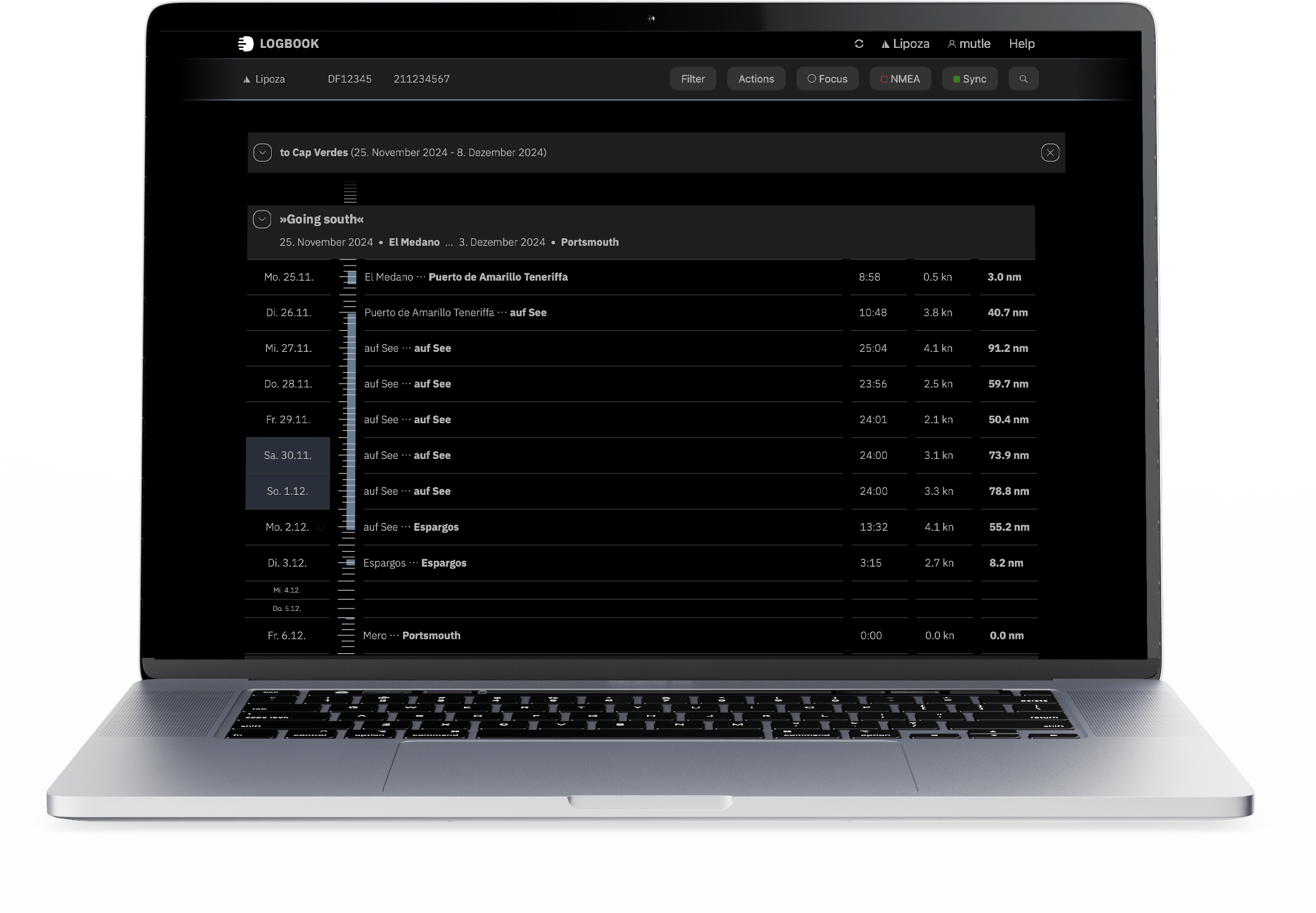
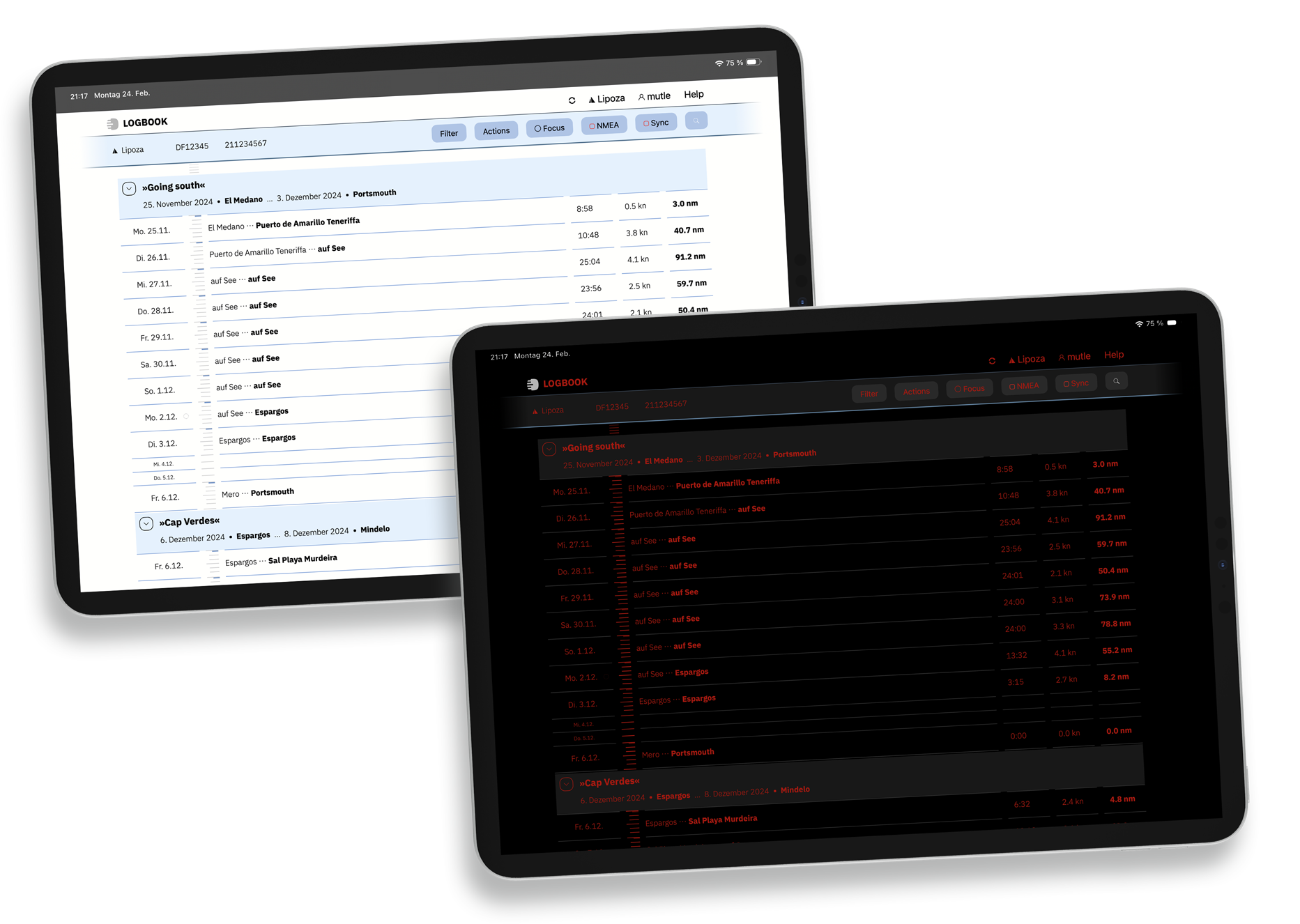
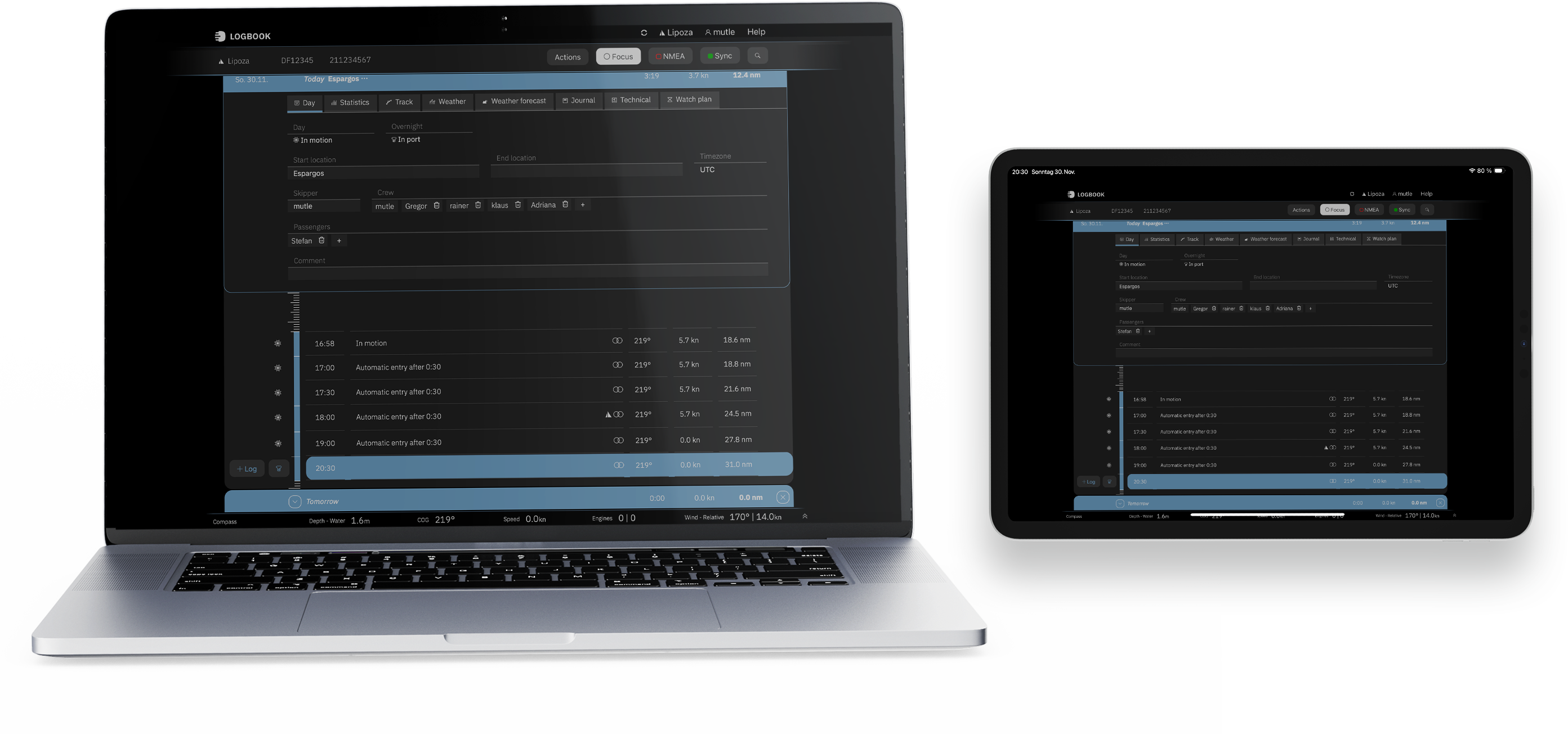
The vertically organized timeline makes voyages, passages, days, and courses easy to understand at a glance. Key events, shared stretches of route, and vessel status remain structured and traceable for quick review, analysis, and operational assessment.
LOGBOOK shows not only the route, but also the data that matters to operations. This keeps the overview clear, even on longer voyages, across multiple vessels, or in complex operating patterns.
 For crews and fleet operations
LOGBOOK runs on all common devices: iPad, Mac, Windows, and Android. This lets you keep records on board and in the office using the same system, without separate workflows or extra processing.
The crew can document information as operations happen, while captains and management can later review, assess, and reuse it in detail. Synchronization ensures that everyone works from the same up-to-date information.